

| Product name | Brand | Price | ||
|---|---|---|---|---|

|
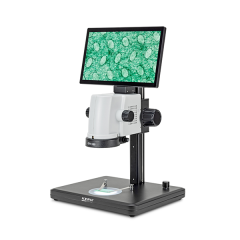
KERN OIV 345 - Video Microscope | Call for price | ||
|
KERN OIV 355 Video Microscope with Incident and Transmitted Light | KERN | Call for price | |
|
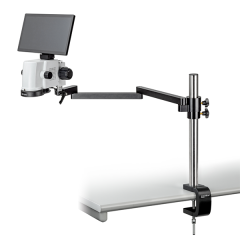
KERN OIV 901/902 Articulated-Arm Video Microscope | KERN | Call for price | |
|
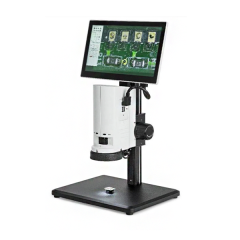
KERN OIV-2 Video Microscope – OIV-254/255 | KERN | Call for price | |

|
KERN OZL-S Trinocular Stereo Microscope With Tablet Camera | KERN |
£1,680.00
(£2,016.00
inc VAT)
|
|

|
KERN OZL-S Trinocular Stereo Microscope with USB Camera | KERN |
£1,050.00
(£1,260.00
inc VAT)
|
|
KERN Digital and Video Microscopes
KERN Digital and Video microscopes show detailed live images on the screen for inspection, quality control, education, and training. They simplify the viewing, capturing, and sharing of pictures in laboratories, industry, and education by combining high-quality optics with simple operation. Choose from preconfigured microscope setups and, depending on the model, USB, HDMI, or Wi-Fi choices to discover the best solution for your needs.
Why choose KERN Digital & Video Microscopes
KERN digital and video microscopes show magnified images on the screen, allowing you to examine components, discuss discoveries, and illustrate inspection jobs. They are useful for PCB inspection, surface checks, and applications in which multiple persons need to see the same detail.
Choose a system that meets your magnification, field of view, and documentation needs. Display, lighting, and image capture features vary by model.
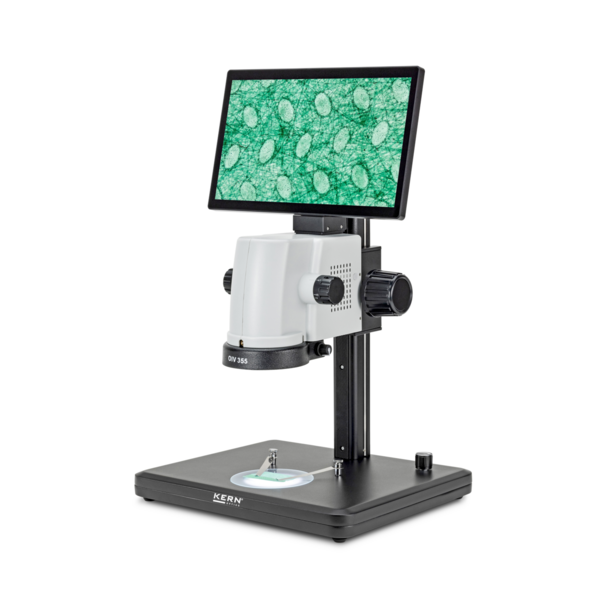
Share component details with colleagues during training, quailty conversations and more.
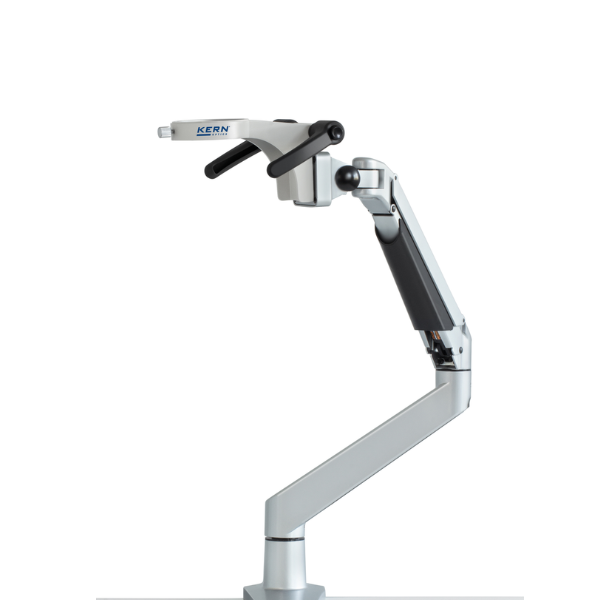
Flexible stand options for various workpieces and inspection setup.
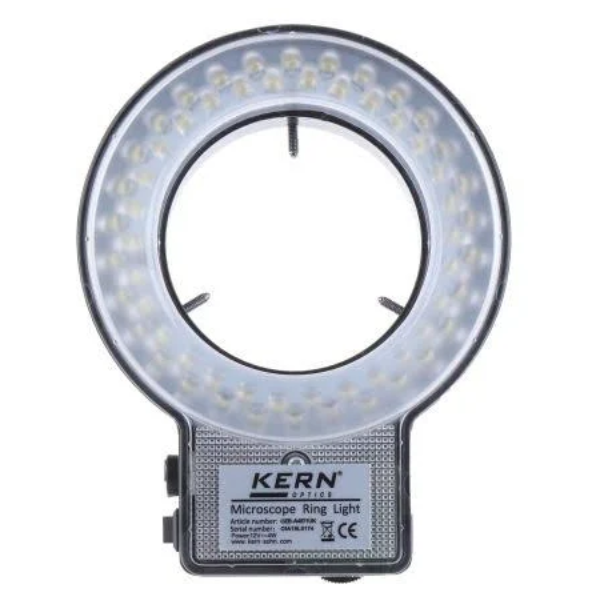
Lighting options can help expose edges, detailed surface details and potential fault.
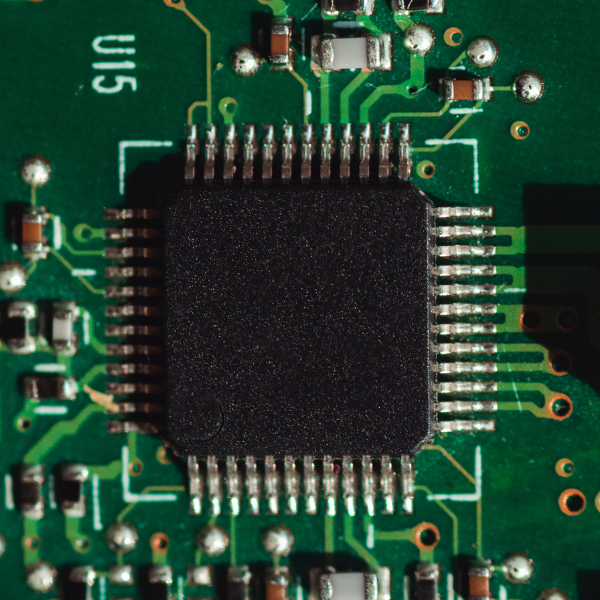
Selected models enable image capture for quality reports and contact with customers/suppliers.
| Option | How it works | Best suited to | What to check |
| Video microscope with integrated screen | Display the sample on an attached screen. | Dedicated inspection benches, training and demonstration. | Screen size, optical zoom, working distance and image-saving functions. |
| Video microscope with external display | Send the camera image to a compatible monitor. | Shared viewing and workstations requiring a larger display. | Display connection, monitor requirements and available workspace. |
| Microscope with computer-connected cameras | Display images through compatible computer software. | Inspection documentation, image analysis and reporting. | Computer compatibility, software functions, resolution and connection type. |
What is the difference between a digital and a video microscope>
A video microscope displays a live camera image, whereas digital microscopy can also capture, store, and analyze images using software. ICan a digital microscope measure components?
Measurement is possible with the right systems and software, but it is not available on all models. To achieve accurate results, the optical setup and magnification must be calibrated.
What is the difference between video, USB and HDMI microscopes?
Digital microscopes with live image output are collectively referred to as "video microscopes."
USB microscope: attaches to a computer; software is used to see and store images
HDMI microscope: no PC is required; it outputs live images straight to a monitor.